
Places, pets and objects
Drone view AI aerial video from your photo
Your photo becomes an aerial shot that rises above the place.
£2.99 Tax included
- 4 or 8 seconds
- Vertical or horizontal
- 720p
- With sound
- Free redo if you are not happy with it, before you download
- If it fails, we refund you without you asking
- Email as soon as it is ready and 48 hours to download it
The camera starts at the level of your photo and rises slowly, like a drone taking off. The ground falls away, the horizon drops and the place opens up wide. It all comes from a single image, with nothing to fly and no permits to ask for.
How to make a drone video from a photo
Upload a photo taken at eye level or from a slightly raised spot, with the horizon in view. A viewpoint, a beach, the front of a country house or a square all work very well. The AI needs to understand what is in front and what is in the background, so photos with depth give better shots than a close up of a wall.
- Take the photo in daylight, with the sky visible and no strong backlight.
- Leave some space at the top. If you cut off the roof or the sky, the climb feels short.
- Avoid odd crops and photos with text or added frames.
What it is used for
It is the quickest way to open a travel reel, introduce the village where your accommodation is or show off a property from above without hiring a pilot. It also works as a keepsake of a place you visited and only have a phone photo of.
Choose 8 seconds if you want the climb to unfold calmly and 4 if you plan to chain it with other clips. With Gentle motion the rise is more restrained, and with Intense it gains height sooner.
How it differs from other effects
The drone view rises and pulls away. If you want to move in on a detail, the cinematic zoom suits you better, and if the photo has a door or an arch to pass through, try fly through the scene. For houses and shops, the Property in 3 shots pack includes this effect along with two others.
The AI recreates what the photo suggests. It may invent details of the terrain that were not visible, but it does not fly over places that do not appear or add people or signs.
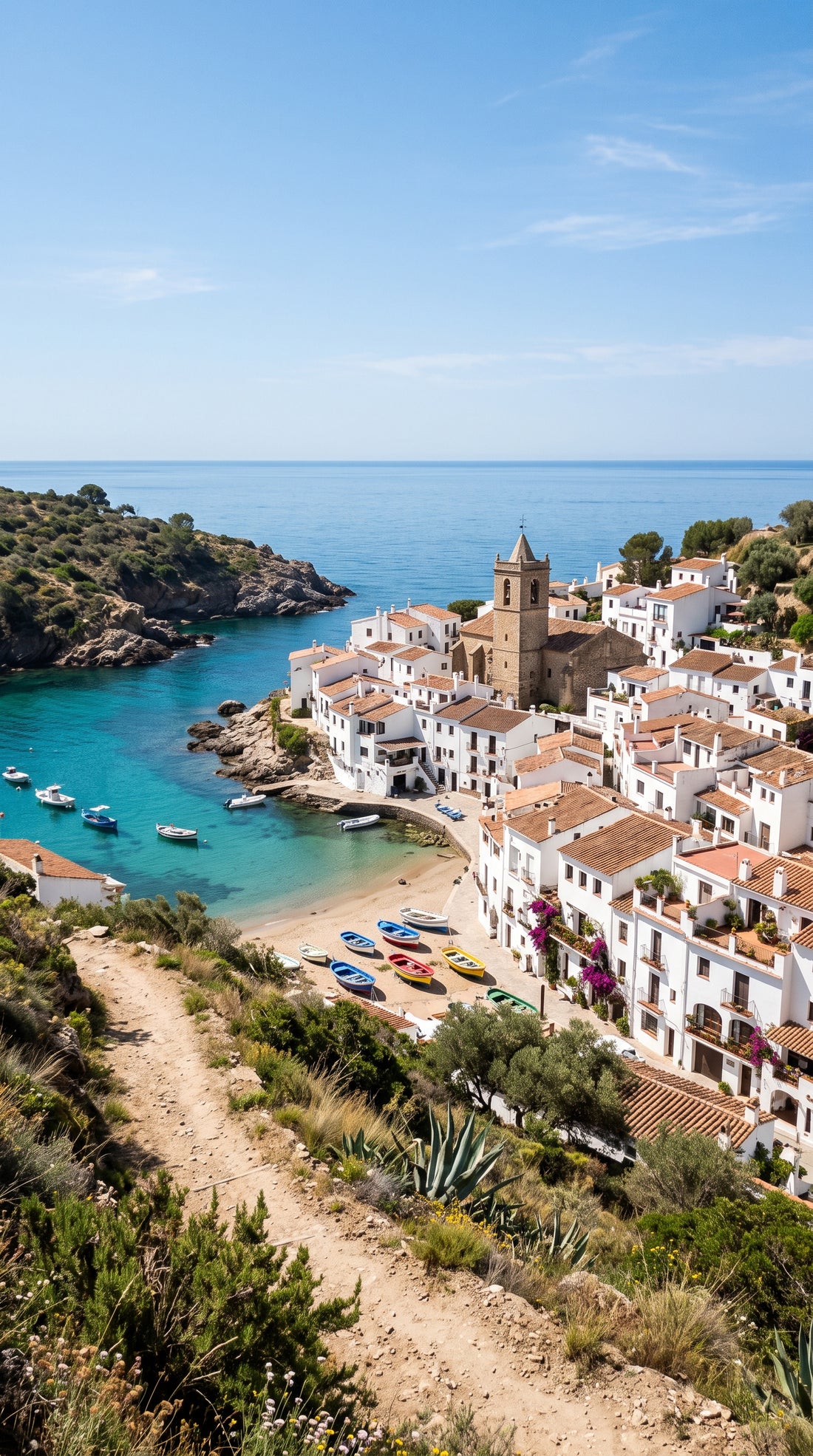
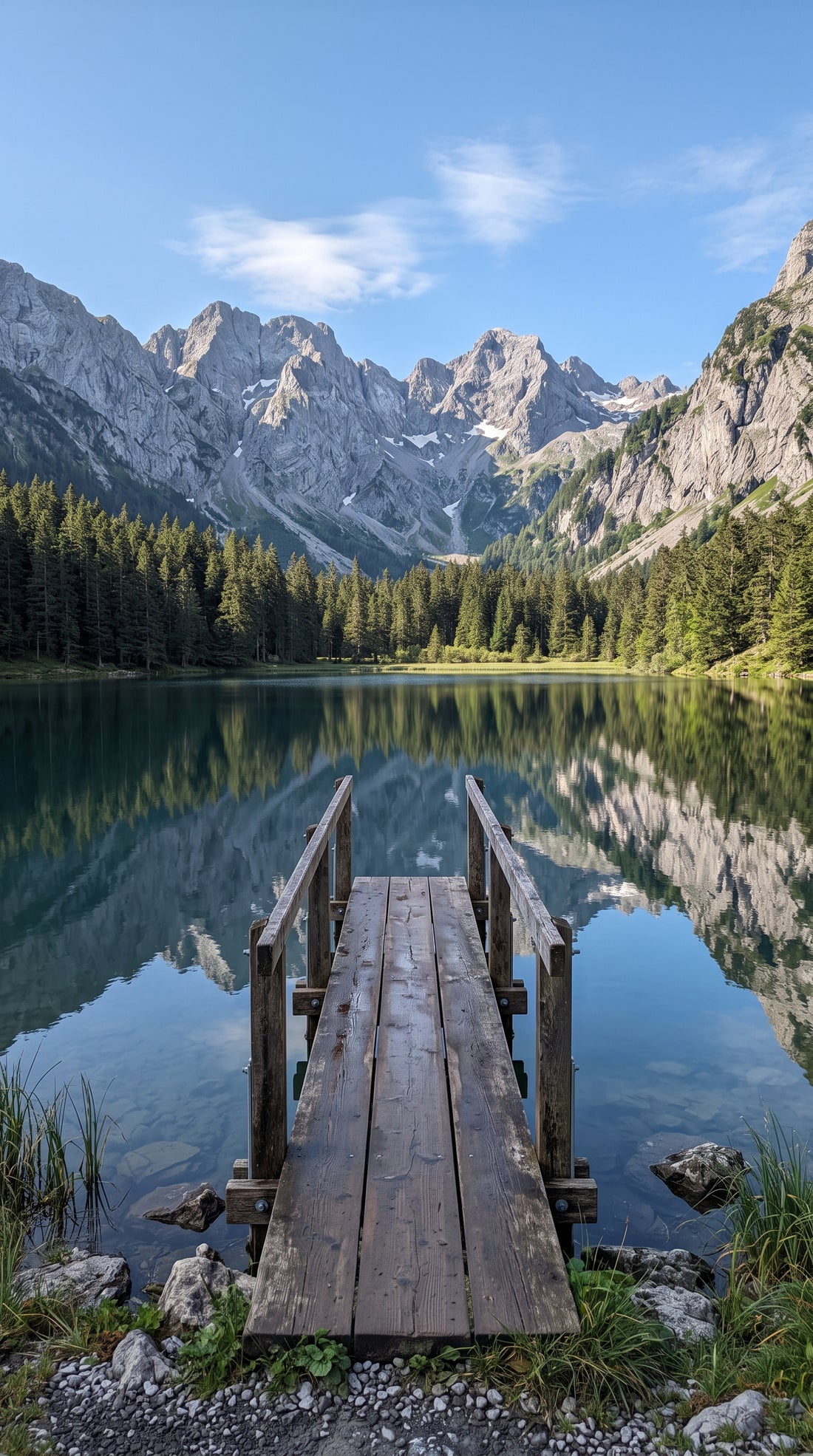
Examples
From photo to video.
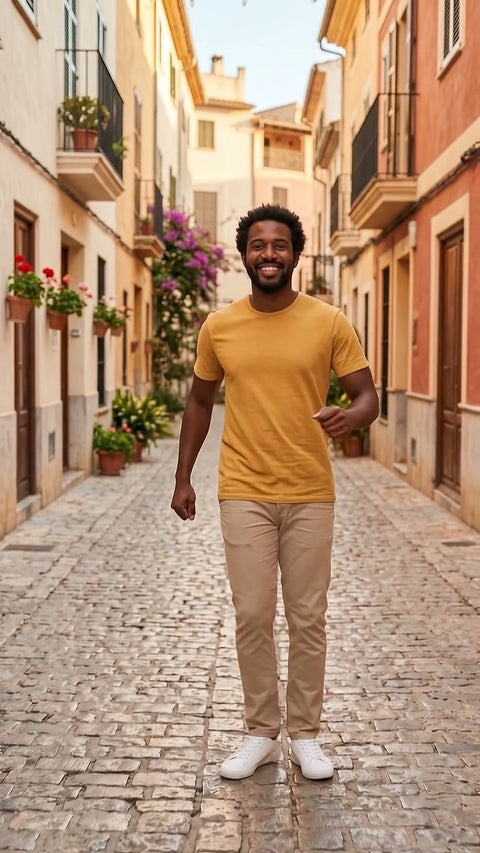
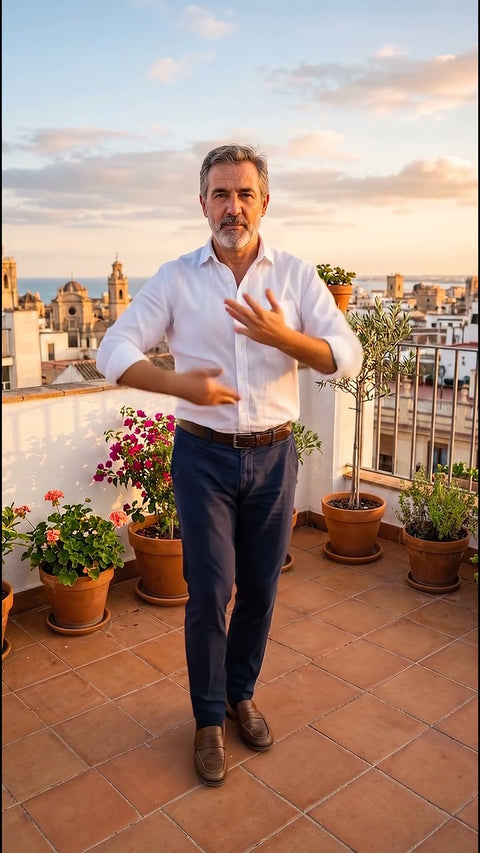
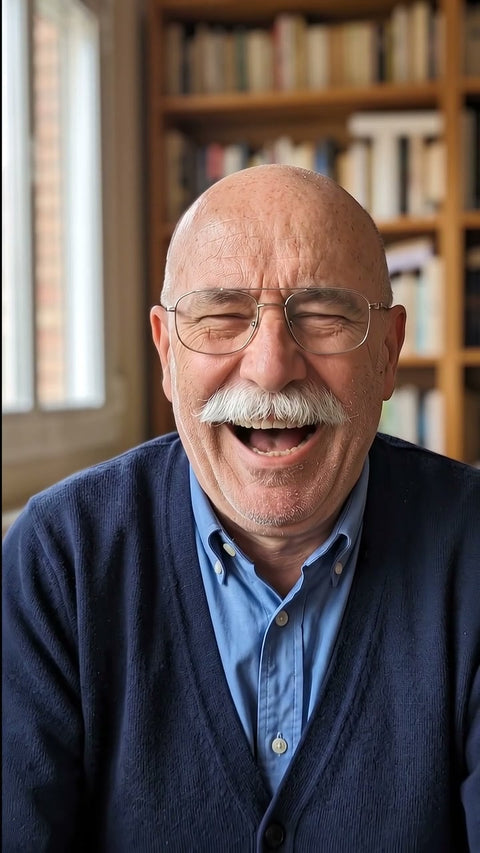
Each video comes from the photo shown next to it, with this same effect. The people, places and products in the examples were created with AI.
Before you upload your photo
What you need to know.
Works best with
- Landscapes, villages or houses with a horizon
- Daytime photos with good light
- Images without odd cropping
What you get
- One 4 or 8 second video, your choice
- Vertical or horizontal format
- 720p, standard quality, with sound
- In MP4, ready to upload to social media
- Email as soon as it is ready and 48 hours to download it
What it does not do
- It does not fly over places that are not in the photo
- It does not add people or text
- It does not animate photos showing children
- It does not guarantee an exact likeness, it is a recreation made with AI
How it works
This is how it works.
-
1
Choose an effect
Look at the example and choose the result you want, just as you would buy any product.
-
2
Upload your photo
Drag in a photo. We check it straight away and, if it is not suitable, we tell you why before you pay.
-
3
Adjust and pay
Length, vertical or horizontal format and how much movement. You pay by card.
-
4
Get your video
In a few minutes you get an email. You watch it and download it without a watermark. You have 48 hours.

Questions
Before you buy.
Does a photo taken with a phone work?
Yes. What matters is not the camera but that the photo is sharp, well lit and shows the horizon. A phone photo taken in daylight, without digital zoom and without strong filters, usually gives a clean and believable climb.
Does the video show what is around the place?
Only what the AI can work out from the photo. As it rises it fills in the surroundings plausibly, with fields, rooftops or sea, but it does not know the real place. Do not use it to show the exact location of a property or its boundaries.
Can I use it for the listing of my country house?
Yes, it is one of its most common uses. If the video could be mistaken for a real recording, say in the listing that it was made with AI. It is a requirement of the European Artificial Intelligence Act when you use it in your professional activity.