

Places, pets and objects
Fly through the scene An AI flight that goes through your photo
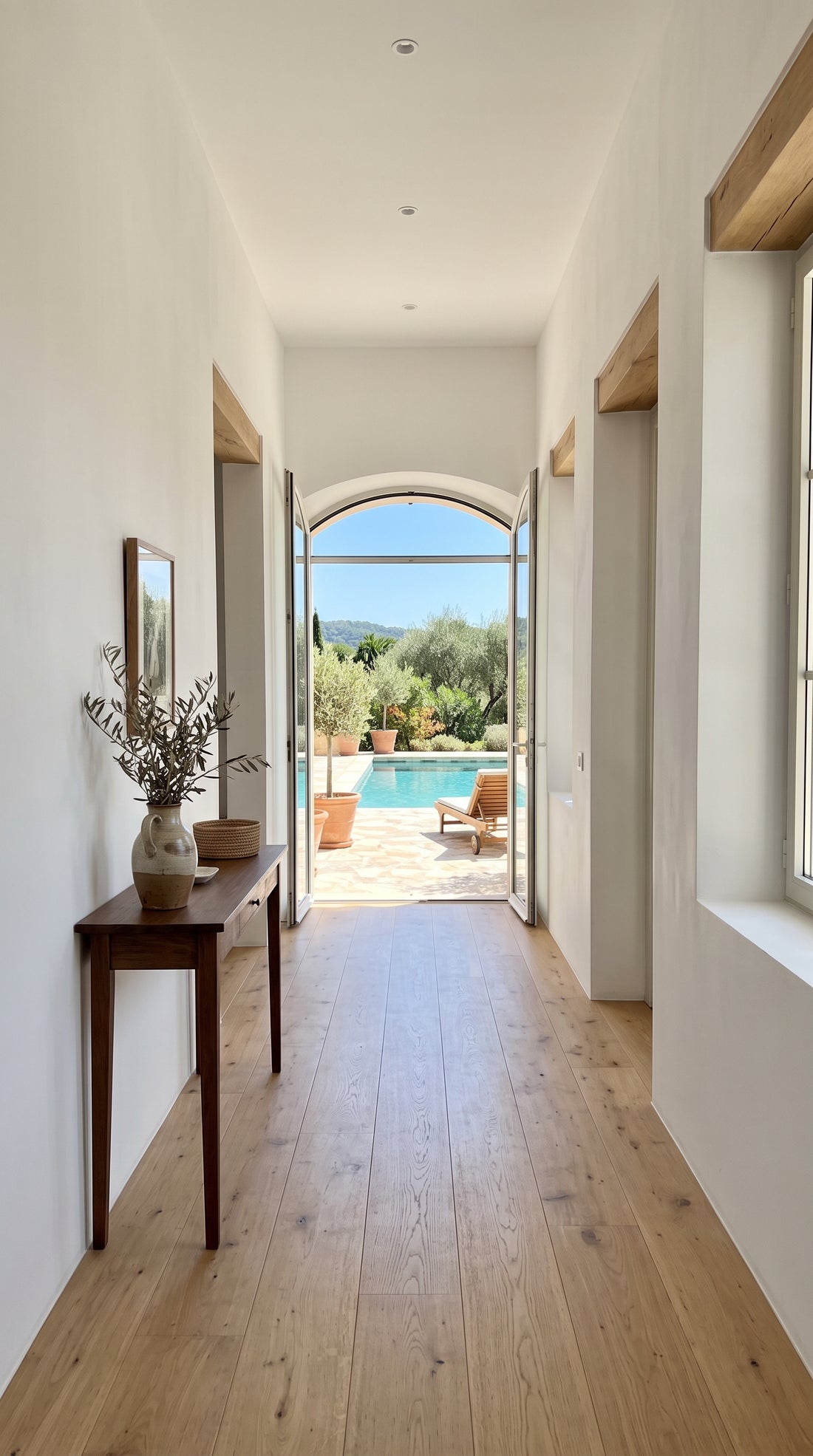
The camera flies forward and goes through the door, arch or window in your photo.
2,99 € Tax included
- 4 or 8 seconds
- Vertical or horizontal
- 720p
- With sound
- Free redo if you are not happy with it, before you download
- If it fails, we refund you without you asking
- Email as soon as it is ready and 48 hours to download it
The camera picks up speed, goes through the door, arch or window in your photo and comes out the other side. It is an FPV drone move, the kind used to show houses and hotels in a single shot, made from a still image.
How to create a video that flies through a photo
The key is that the photo has a clear opening to pass through. An open door, a corridor, an arcade, the mouth of a cave or a window with a view. Without that opening, the camera has nowhere to go and the result ends up as a simple move in.
- Take the photo from straight in front of the opening, centred and at eye level.
- Let people guess what is on the other side, even if it is just a little light or landscape.
- Well lit interiors and narrow streets give very dynamic shots.
When to choose this effect
Think of it when you want to give the feeling of entering a place. A holiday rental showing its patio, a shop inviting people in, a restaurant with a terrace at the back or a charming street from your last trip. It works very well vertical for stories and horizontal for a website header.
With 8 seconds the flight gets its full run. Intense motion speeds up more and feels sportier, while Gentle glides forward with elegance.
Good to know
The AI imagines what is behind the opening from what the photo suggests. If a garden can be seen at the back, a similar garden will appear, but not the real one. That is why it does not show rooms that are not in the photo. If you want a calmer move without passing through anything, the cinematic zoom fits better, and for properties you get this same flight inside the Property in 3 shots pack.
Examples
From photo to video.
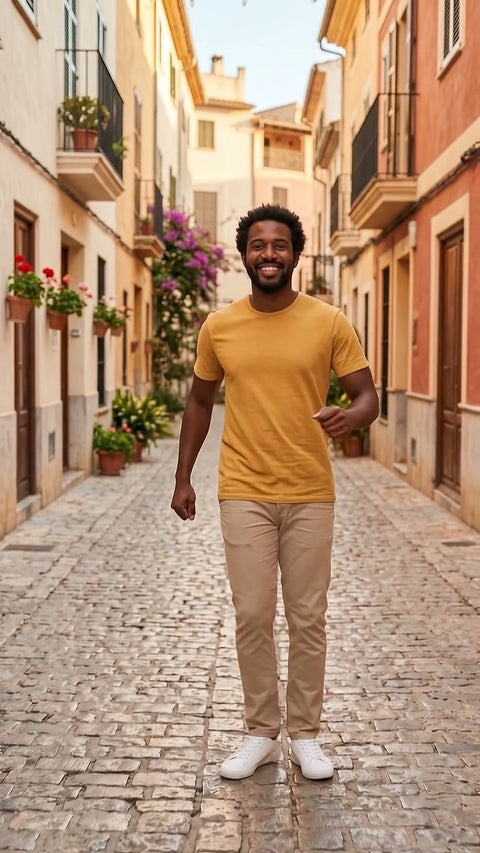
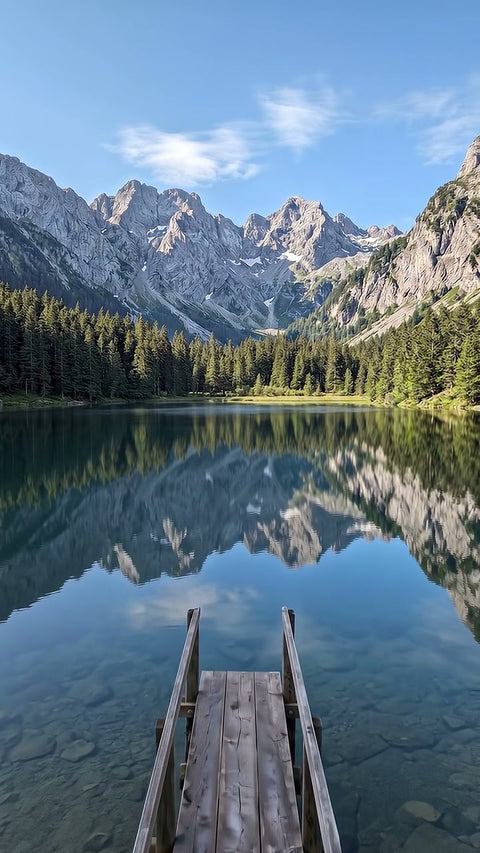
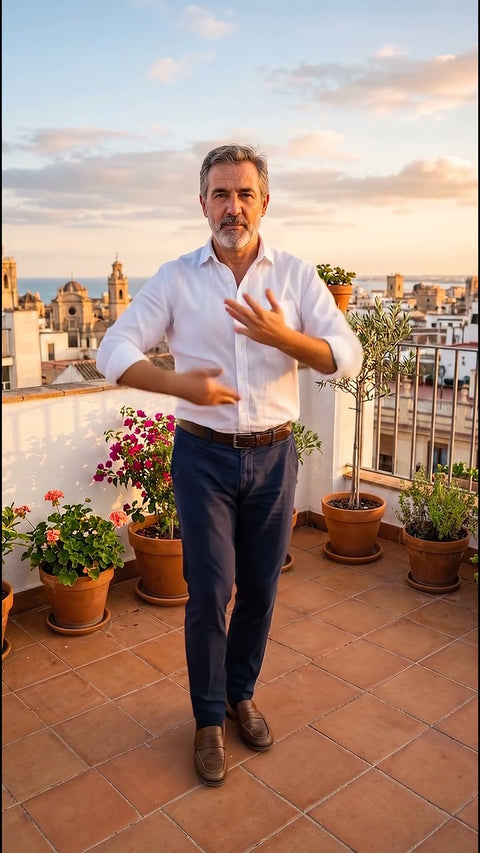
Each video comes from the photo shown next to it, with this same effect. The people, places and products in the examples were created with AI.
Before you upload your photo
What you need to know.
Works best with
- Photos with a door, an arch, a hallway or a window
- Places with depth
- Interiors and streets
What you get
- One 4 or 8 second video, your choice
- Vertical or horizontal format
- 720p, standard quality, with sound
- In MP4, ready to upload to social media
- Email as soon as it is ready and 48 hours to download it
What it does not do
- It does not work well with flat photos with no background
- It does not show what is behind if the photo does not suggest it
- It does not animate photos showing children
- It does not guarantee an exact likeness, it is a recreation made with AI
How it works
This is how it works.
-
1
Choose an effect
Look at the example and choose the result you want, just as you would buy any product.
-
2
Upload your photo
Drag in a photo. We check it straight away and, if it is not suitable, we tell you why before you pay.
-
3
Adjust and pay
Length, vertical or horizontal format and how much movement. You pay by card.
-
4
Get your video
In a few minutes you get an email. You watch it and download it without a watermark. You have 48 hours.

Questions
Before you buy.
What happens if my photo has no door or arch?
The camera will try to move forward anyway, but without a clear opening the video will look more like a move in. If your photo is flat, like a wall or a portrait, we recommend the cinematic zoom. You always have a free redo if the first result does not convince you.
Can I use it to show the inside of a flat?
You can use it to give the feeling of a walkthrough from a door or a corridor. Bear in mind that what appears on the other side is a recreation by the AI and not the real room. In a rental or sale listing it is a good idea to say the video was made with AI.
Can people tell it is a photo and not a recording?
In many cases the movement is very believable, especially in the first few seconds. When passing through the opening the AI has to invent more and slightly unreal details may appear. All videos also carry an invisible mark showing they are generated with AI.