

People
Age 40 years Age a face with AI in a video
The face in your photo ages little by little while staying the same person.
4,99 € Tax included
- 8 seconds
- Vertical or horizontal
- 1080p
- With sound
- Free redo if you are not happy with it, before you download
- If it fails, we refund you without you asking
- Email as soon as it is ready and 48 hours to download it
For eight seconds and without cuts, the face in your photo gradually gains years. Wrinkles appear, the hair turns grey and then white, the skin changes, and the person remains recognisable from start to finish. It is the ageing filter from the apps, but as a video and in HD quality.
How to age a face with AI from a photo
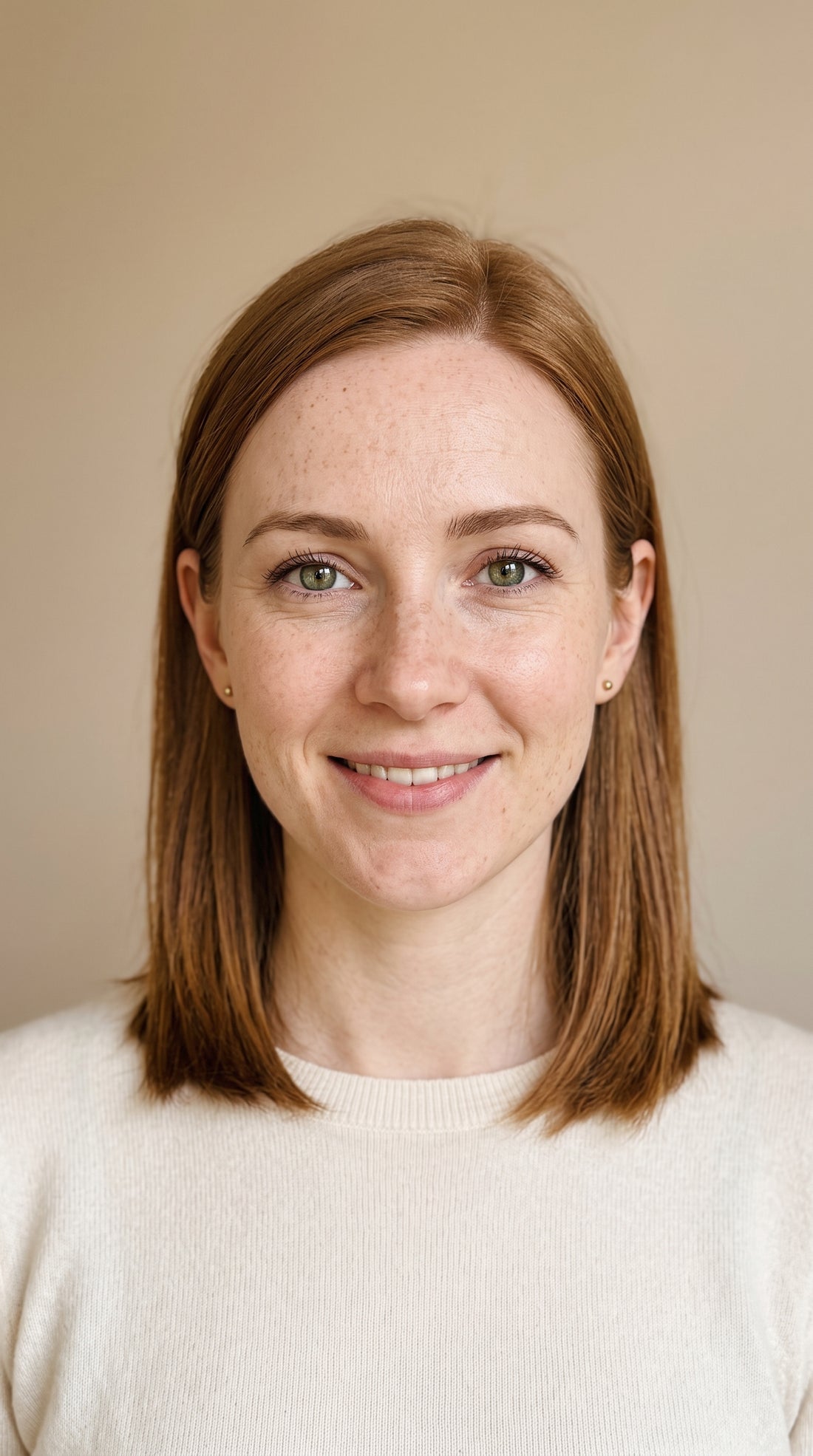
What most affects the result is the portrait. Upload a photo facing the camera of an adult, with the face clearly visible and the light evenly spread. The AI needs to see the eyes, forehead, cheeks and hair to age them consistently.
- Portrait facing the camera or nearly, head and shoulders.
- No sunglasses, no caps covering the forehead and no hands on the face.
- Even light, with no strong shadows or beauty filters.
Why in HD
In a transformation of the face, any loss of detail is very noticeable. That is why this effect is made in 1080p with the HD level model, in an 8 second video. This way the face stays steady while the age changes.
What it is used for
It is a classic for big birthdays, alumni dinners and couples who want to see themselves many years from now. It is also used on social media as a challenge or to start a conversation about the passing of time.
What it does not do
It does not predict how you will really look. It is an artistic recreation by the AI, not a medical or genetic study. It does not work with several faces at once and we do not accept photos of minors. If you want to bring a portrait to life without changing its age, take a look at photo comes to life. You will find more ideas for family photos in animate old photos.
Examples
From photo to video.
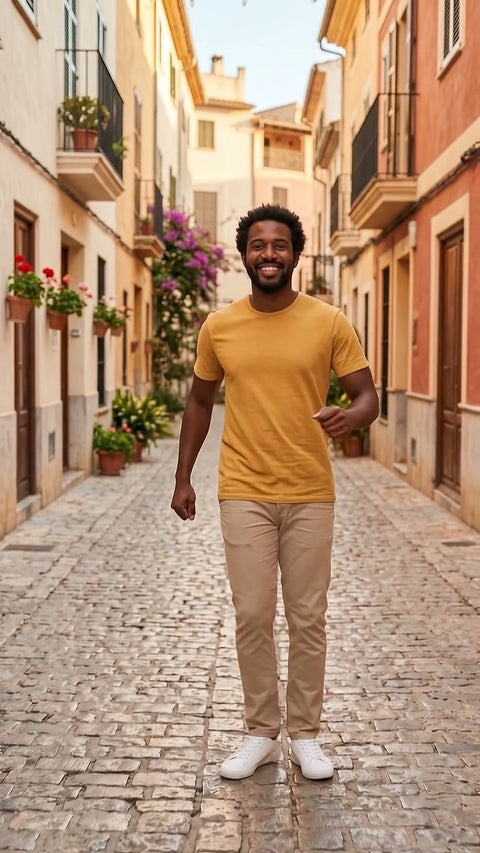
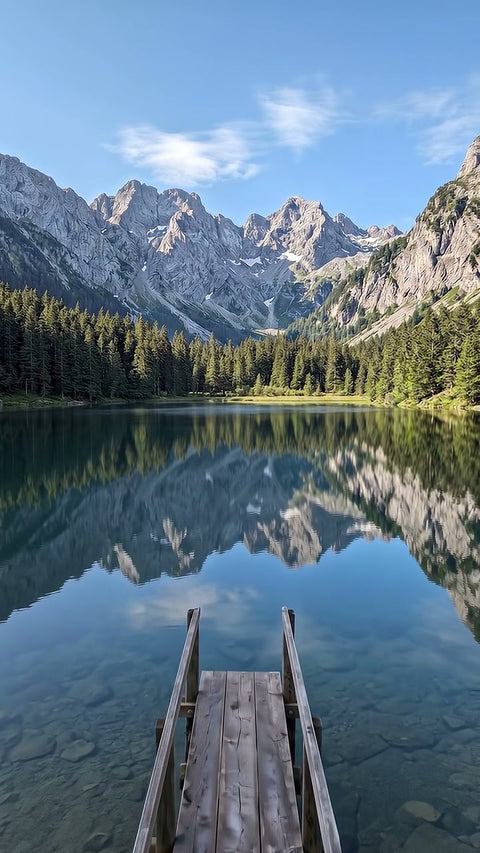
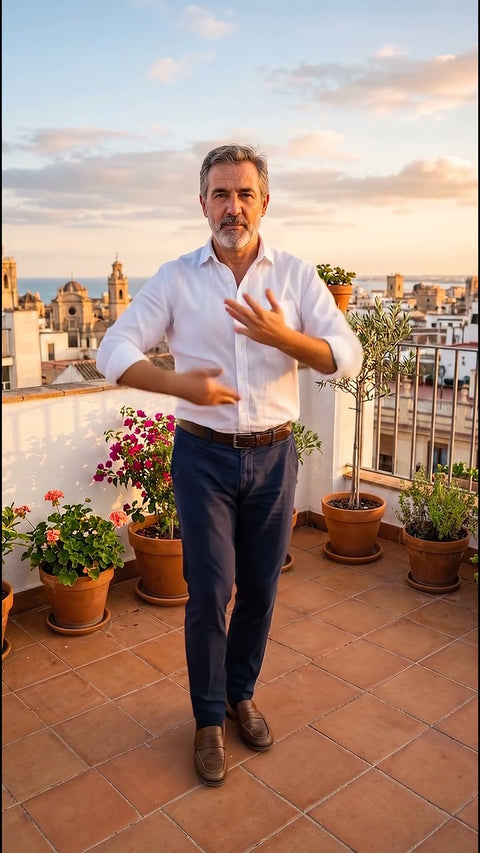
Each video comes from the photo shown next to it, with this same effect. The people, places and products in the examples were created with AI.
Before you upload your photo
What you need to know.
Works best with
- Front facing portraits with the face clearly visible
- A single adult
- Even lighting and no sunglasses
What you get
- One 8 second video
- Vertical or horizontal format
- 1080p, high quality, with sound
- In MP4, ready to upload to social media
- Email as soon as it is ready and 48 hours to download it
What it does not do
- It does not predict what you will really look like
- It does not work with several faces at once
- It does not animate photos showing children
- It does not guarantee an exact likeness, it is a recreation made with AI
How it works
This is how it works.
-
1
Choose an effect
Look at the example and choose the result you want, just as you would buy any product.
-
2
Upload your photo
Drag in a photo. We check it straight away and, if it is not suitable, we tell you why before you pay.
-
3
Adjust and pay
Length, vertical or horizontal format and how much movement. You pay by card.
-
4
Get your video
In a few minutes you get an email. You watch it and download it without a watermark. You have 48 hours.

Questions
Before you buy.
Can it be done the other way round, to make someone look younger?
No, this effect only ages. We do not offer making faces younger, because it means inventing features that are not in the photo and would go against our rule of only working with images of adults.
Does it work with an old photo?
Yes, if it is a sharp, well scanned portrait of an adult. A photo from the eighties of your dad at 30, for example, can show how he gains years in the video. With very damaged or blurry photos the face may lose its likeness.
How many years does it age exactly?
The effect is designed so that the person looks around 40 years older by the end of the video. It is an approximation by the AI, not an exact calculation, and the result varies depending on the starting age, the light and the quality of the photo.