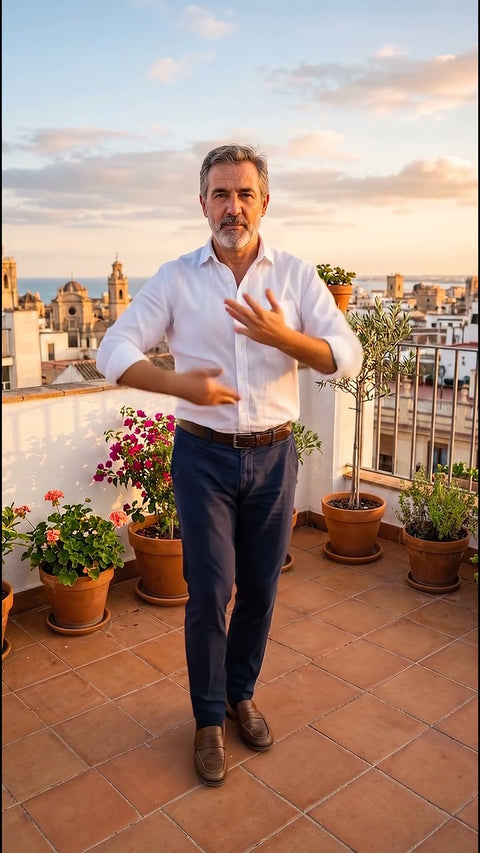
A moving photo is a short video made from a still image. The person blinks and smiles, the landscape is seen from the air or the camera slowly moves in as in a film. Today it is done with artificial intelligence, from the browser on your phone, without installing anything and without knowing how to edit video.
In this guide we tell you which photo works, which movements come out well and what the AI does not do, so you do not waste time or money on a photo that will not work. If you want to compare apps, generators and services, you will find that in the guide how to turn a photo into a video with AI.
What movements a photo can have
A portrait that comes to life
The person blinks, breathes and smiles naturally, with a slight turn of the head. It is what people look for most with old family photos and with current portraits. At Vidia it is Photo comes to life, in HD.
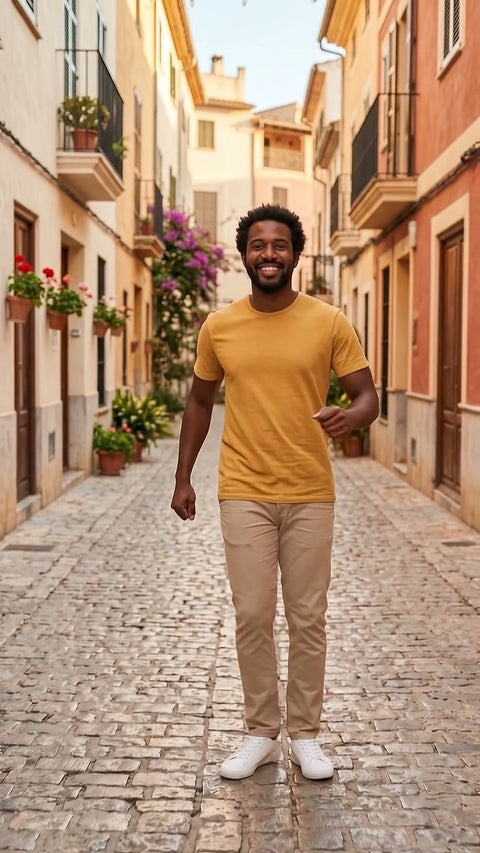
A person dancing or laughing
If the whole body is visible in the photo, the person can pull off a short dance or burst out laughing at the camera. These are the effects Viral dance, Flamenco and Laughing fit.
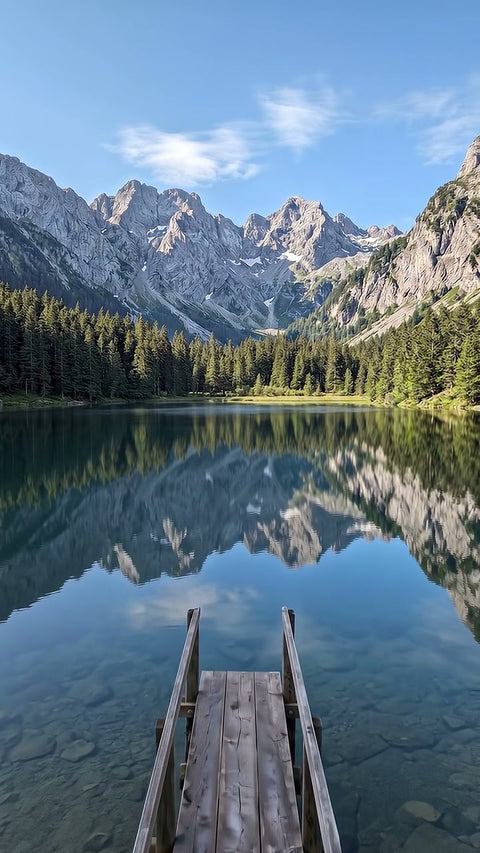
A landscape, a house or a pet
Here the photo does not move, the camera does. A photo of a village from a viewpoint becomes an aerial shot with Drone view. The photo of your dog in the park gets a cinematic close up with Cinematic zoom. A street by day turns to night with the lights coming on in Day to night.
Which photo works best
The AI can only move what it sees. Before choosing the photo, check this.
- Sharp and well lit. A phone photo taken by day, without digital zoom or strong filters, is usually enough.
- Just one person, if it is a portrait. With several faces the AI may mix up features or movements.
- The face from the front or slightly turned, without sunglasses or hands in front.
- Full length if you want them to dance. To move arms and legs it has to see them.
- Visible horizon if it is a landscape or a house. That way the flight or the zoom looks believable.
- Old photos that are well scanned. A scan at good resolution is better than a photo of the photo with reflections.
How to do it step by step, without an app
- Choose the effect according to what you want to happen. Each page shows real examples of the starting photo and the video that comes out.
- Upload the photo on the page. We check it before you pay. If it is not suitable, we tell you and nothing is created.
- Adjust the basics, vertical for social media or horizontal for the web, and how much movement you want.
- Pay and wait a few minutes. You get an email with the link to your video and you have 48 hours to download it.
- If you are not happy, ask for the free redo before downloading it. If something goes wrong, we refund your money without you asking.
What the AI does not do
- It does not make the person talk. They can smile or blink, but they do not say anything.
- It does not animate photos of children. To protect minors, we do not create videos from any photo in which a minor appears.
- It does not invent what is not there. It does not show rooms that are not in the photo or add people.
- It may change some detail. It tries to keep the face and clothes, but sometimes an expression or a tone varies. That is why there is a free redo.
- It does not follow a specific choreography. The dance is a generic movement, not the one from a trending song.
Ideas for using your moving photo
- Wish someone a happy birthday in a different way.
- See someone in the family smile again in an old photo.
- Bring a post on Instagram, TikTok or a WhatsApp group to life.
- Show a place or a house with a shot that looks filmed with a drone.
How much it costs
Essential effects cost very little for a 4 or 8 second video, and HD effects, such as Photo comes to life, cost a bit more for 8 seconds. Taxes are included, there is no subscription or sign up and, with three effects in the cart, the cheapest one is free.