
Places, pets and objects
Day to night Day to night timelapse with AI
The light shifts from midday to night in a single shot, with the lights coming on.
$4.99 Tax included
- 8 seconds
- Vertical or horizontal
- 1080p
- With sound
- Free redo if you are not happy with it, before you download
- If it fails, we refund you without you asking
- Email as soon as it is ready and 48 hours to download it
In eight seconds and without cuts, the light in your photo goes from midday to dusk. Shadows stretch out, the sky shifts from blue to amber and then to deep blue, and the street lamps and windows light up. It is the effect of an hours long timelapse, made from a single photo.
How to turn a daytime photo into a night video
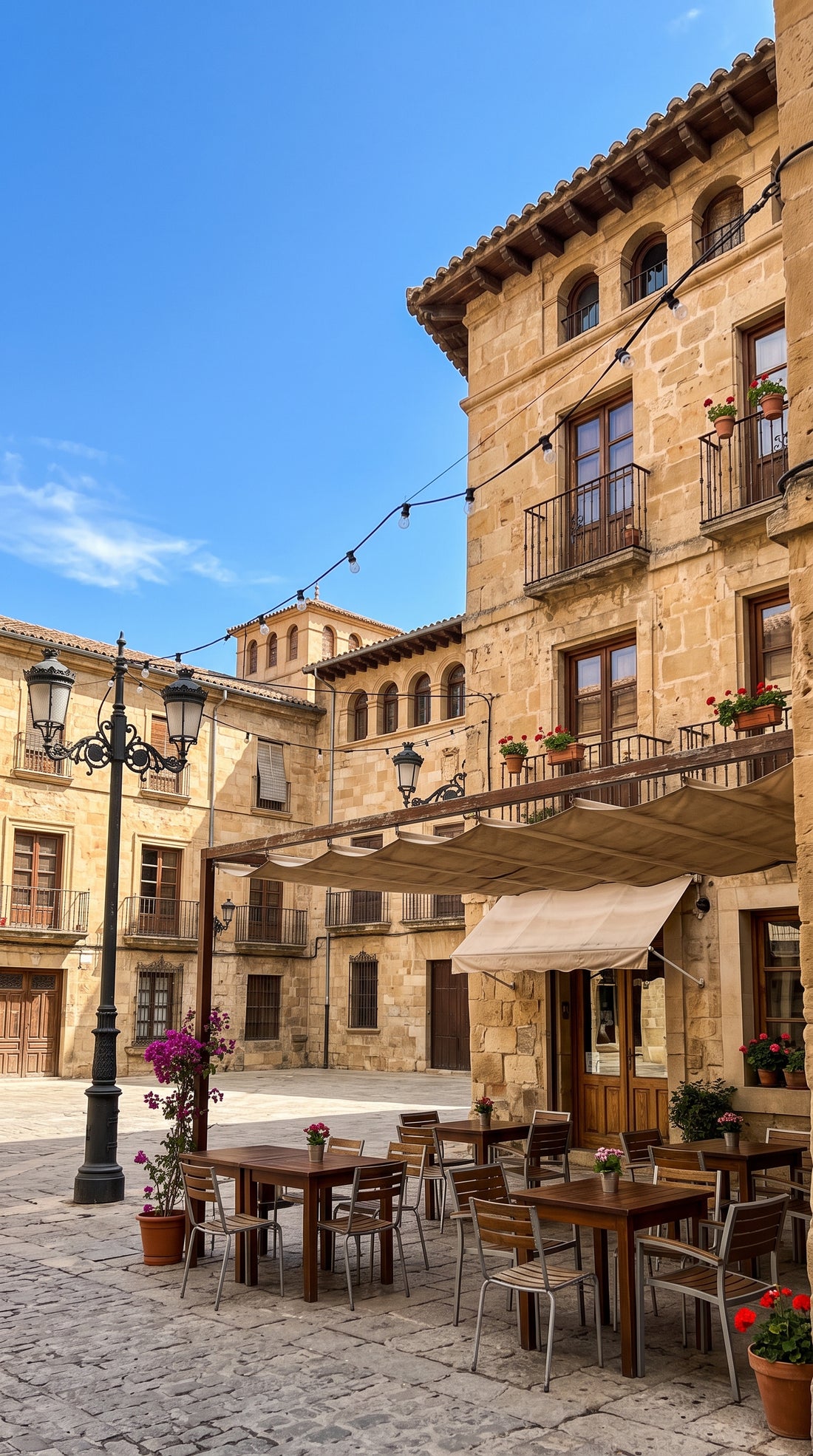
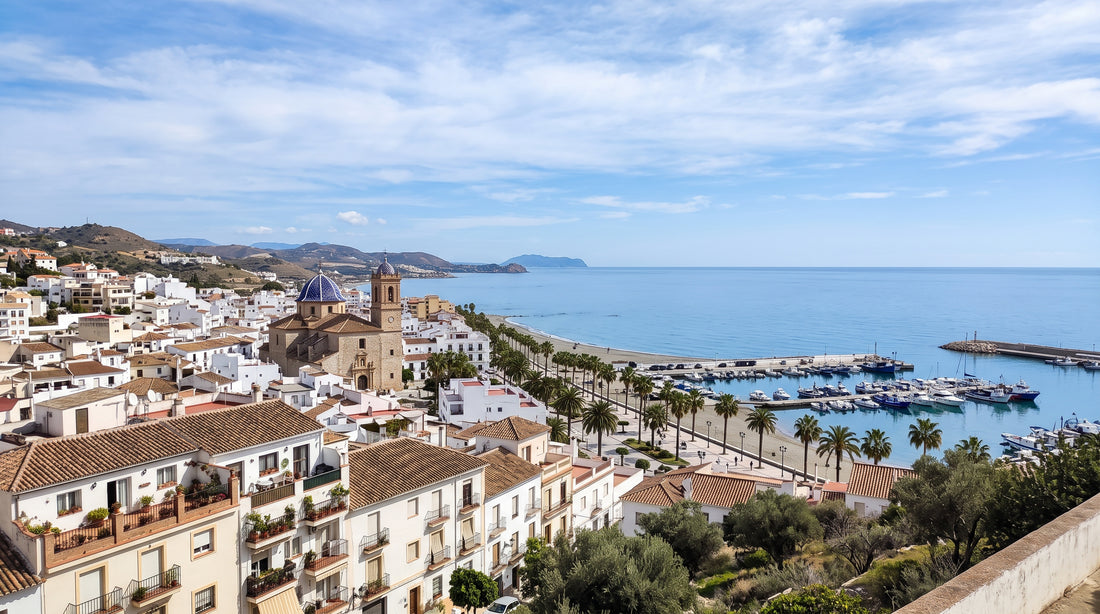
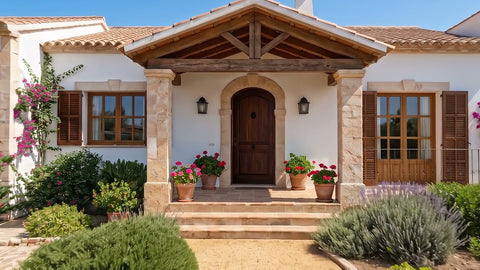
Start from a photo taken in daylight with the sky visible. Facades, streets, terraces, squares, skylines and landscapes with a few buildings give the best result, because the AI needs points of light to switch on at the end. An open field with no houses will change its light, but the final moment will be less spectacular.
- Photos with windows, street lamps, signs or terrace lights.
- Clear sky or a few clouds, not overexposed.
- No photos that are already sunset or night shots, because there is no transition to make.
What businesses and individuals use it for
A restaurant shows how its terrace changes as the evening falls. A holiday apartment shows its lit facade without having to go back at night to take photos. In a property listing, it helps people picture the house at two moments of the day. And on social media, a photo of your city becomes a clip that hooks people.
This effect is HD level, in 1080p and 8 seconds, because the change of light needs detail so it does not look blurry. It comes with ambient sound.
What it does not do
It does not change the place, add buildings or renovations, or put new people in the scene. The lights that switch on are the AI's interpretation and may not match those of the real place. If you want the same property with two other camera moves, the Property in 3 shots pack includes it. For a camera move without a change of light, take a look at the drone view.
Examples
From photo to video.
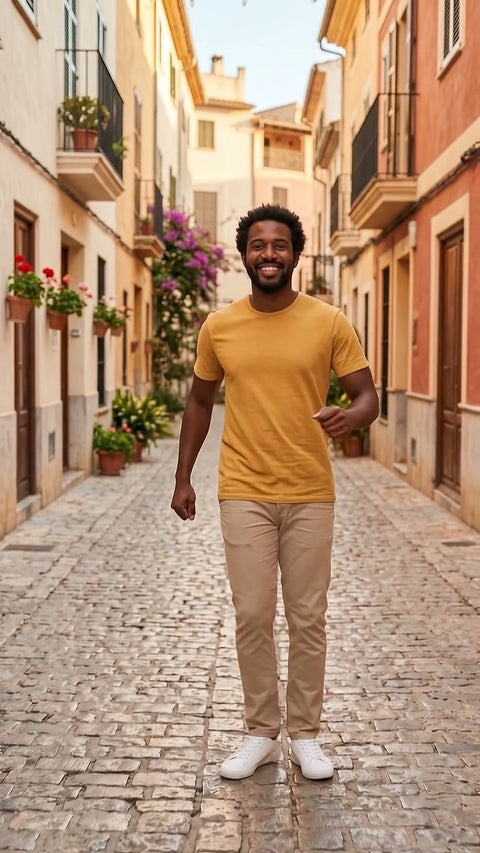
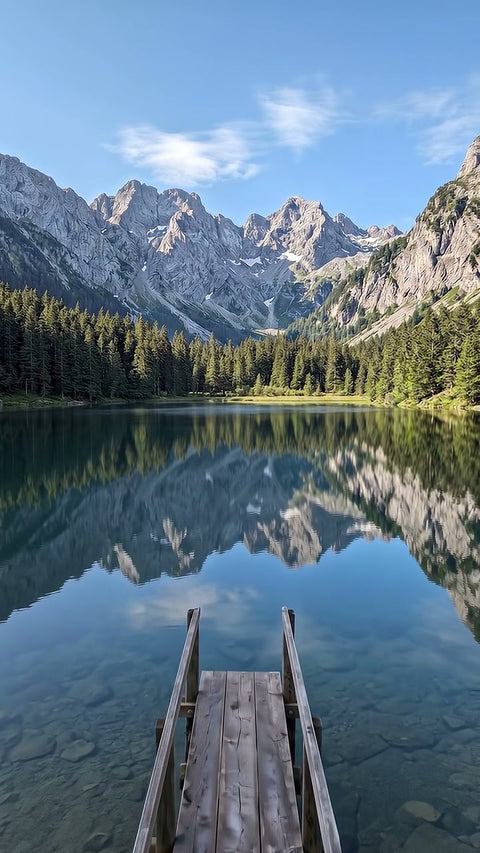
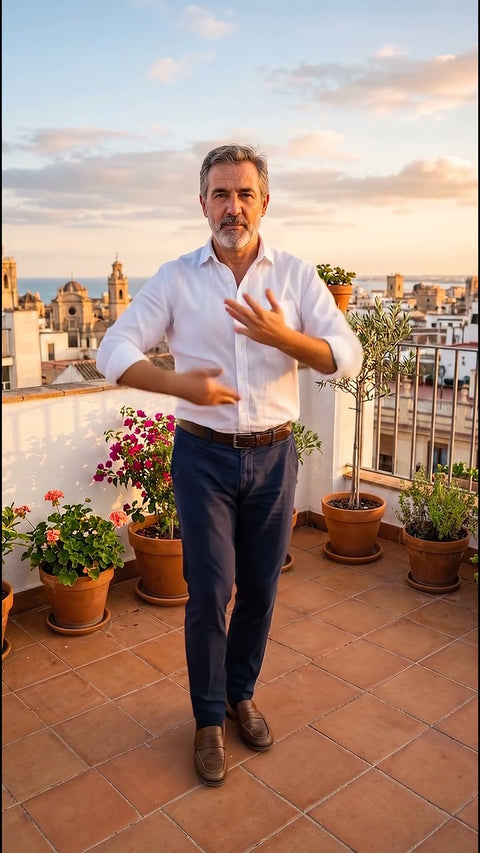
Each video comes from the photo shown next to it, with this same effect. The people, places and products in the examples were created with AI.
Before you upload your photo
What you need to know.
Works best with
- Building fronts, streets, landscapes or cities
- Daytime photos with the sky visible
- Places with streetlights or windows
What you get
- One 8 second video
- Vertical or horizontal format
- 1080p, high quality, with sound
- In MP4, ready to upload to social media
- Email as soon as it is ready and 48 hours to download it
What it does not do
- It does not work with photos that are already at night
- It does not change the place or add buildings
- It does not animate photos showing children
- It does not guarantee an exact likeness, it is a recreation made with AI
How it works
This is how it works.
-
1
Choose an effect
Look at the example and choose the result you want, just as you would buy any product.
-
2
Upload your photo
Drag in a photo. We check it straight away and, if it is not suitable, we tell you why before you pay.
-
3
Adjust and pay
Length, vertical or horizontal format and how much movement. You pay by card.
-
4
Get your video
In a few minutes you get an email. You watch it and download it without a watermark. You have 48 hours.
Questions
Before you buy.
Why is this effect only available in HD?
The change of light affects the whole image at once, and in standard quality the skies and shadows look worse. That is why we make it in 1080p with the HD model, in an 8 second video, taxes included.
Does it work with an indoor photo?
It can work if there is a large window through which the outside can be seen, but it is designed for exteriors. With interiors without windows the AI has no sky to darken and the change of light is barely noticeable. For an interior we recommend fly through the scene.
Can I ask for the video to end at sunset rather than at night?
You can write it in the instructions and the AI will take it into account, although the effect is designed to reach night with the lights on. If the result is not what you were after, you have a free redo before downloading it.